~ Continuing from previous chapter, the Euloran Kronikle II ~
New Food Extends Euloran Lives
Food in Eulora 2 is quite literally life-sustaining: your character can eat almost anything (if Spider Leg Consome is to be taken quite literally), with various effects. Possibly one of the most desirable current effects is that of the newest additions to the euloran cuisine. If rumors are to be believed, these wondrous new additions can greatly expand the duration of one's vitality - by in-game days, months or even years!
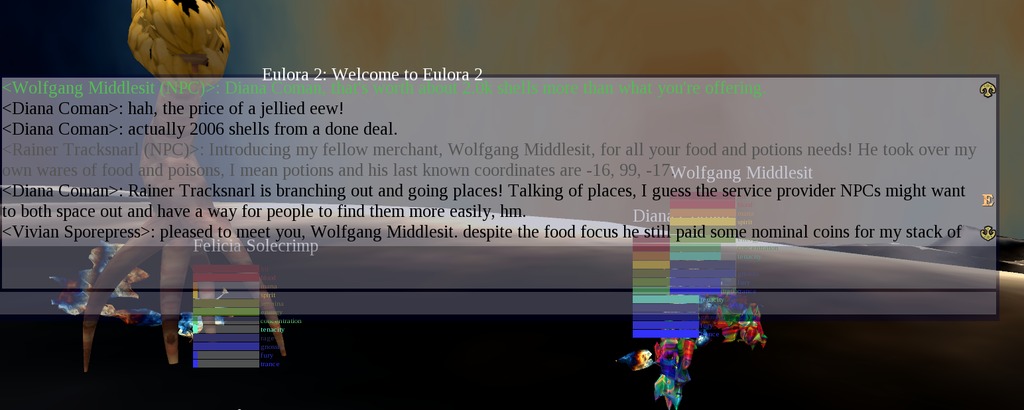
Such vitality as above is quite crucial to survival too, since one's recovery of basic vitals such as hitpoints depends on it. More precisely, when one's vitality is a thing of the past entirely, one may still linger alive for a while but likely for a very little while since none of their vitals will recover any longer no matter how much they wait or how much they exert themselves otherwise. And if one's vitals don't recover anymore, they still deplete, nevertheless, until the character dies and transfers to the Underworld. And from the Underworld, chat may still be available but there isn't really much to do at all, the life of the dead being as it is, namely rather absent by definition.
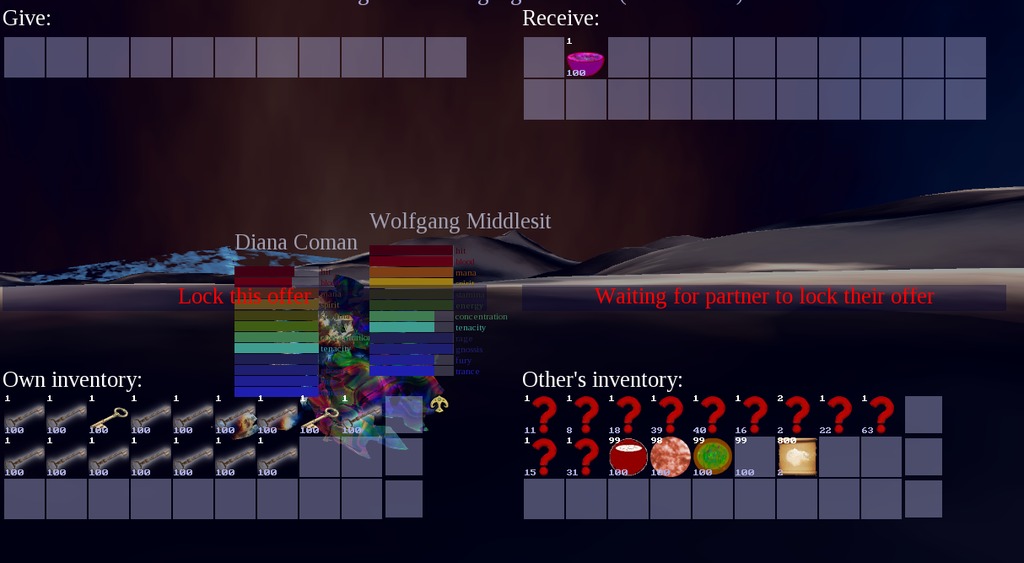
Rambling Caverns of Great Use
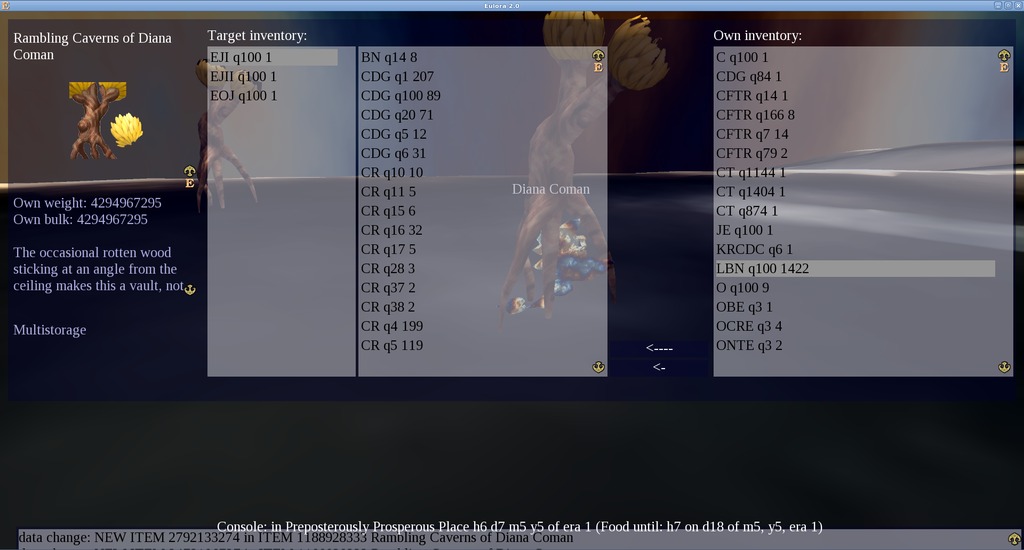
Players in Eulora 2 tend to start with nothing much at all in their inventory - and there is indeed no mandatory requirement to change this very light state of being. But for those who get involved and get active, their character's carrying limits of weight and bulk 1 can quickly become obvious - quite often as they keep trying to take more things only to find out that they.just.can.not. And since there have been already quite a few such cases of involved and active players, Eulora 2 evolved to meet their needs with some very organised storage compartments inside the possibly less organized Rambling Caverns that tidy up things by type and quality, at times even combining them without any loss of value at all:
Contributing Made Easiest or The Help You Can Edit
For any and all hints, tips and even just general notes or discoveries you find useful, there is now a structured display directly accessible in the game - all you need to do is simply to edit a text file on your own hard-drive and then use the newly added showfile command in the game's console, indicating the file with its path. There's even some low hanging fruit perhaps in improving that display but the basics are there and to get started, here's how the current help file looks, enabling navigation through its different topics:

Bot-powered Claims Landscaping
Only a few months ago, Eulora 2 got in fact its own player-made maps and private bot that helped automate some tasks around. From there though, things suddenly got moving fast indeed, with discussions of potential clubs, subscriptions and more on the side. And if that wasn't enough, further in-game developments pushed the previously incipient command-line automation quite much further into a fully fledged multi-step bot with on-the-fly reading of parameters and even automated training. So the private code remained private while the public code offers quite the powerful and useful bot, as reported and witnessed already in game.
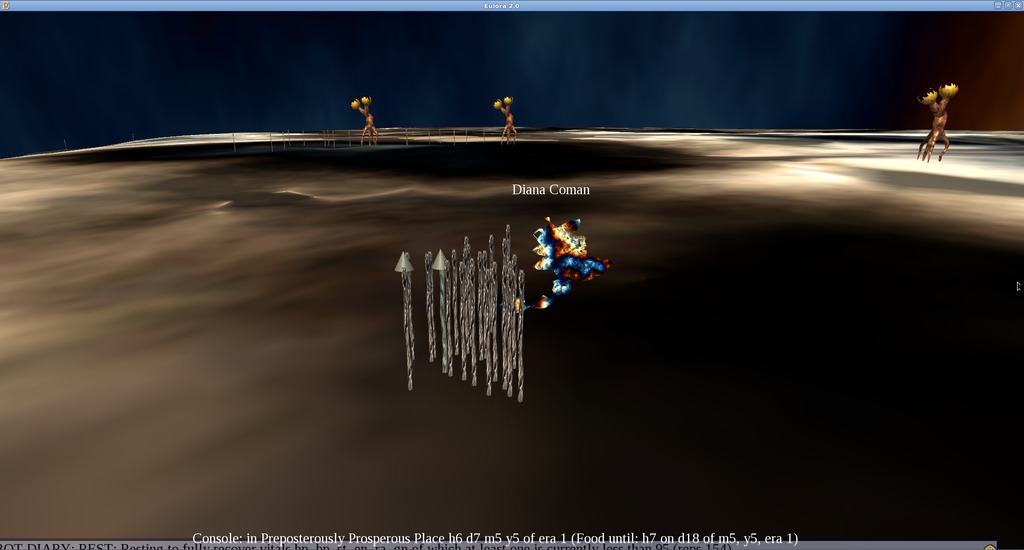
As a side-effect of the very useful multi-step bot thus unleashed in Eulora 2, players got to make all sorts of groupings of claims, effectively landscaping arrangements of a very peculiar sort. Here's my own most recent clump-claims grove, with a few smalls among the tinies and a more spaced out line of someone else's in the background:
The High View
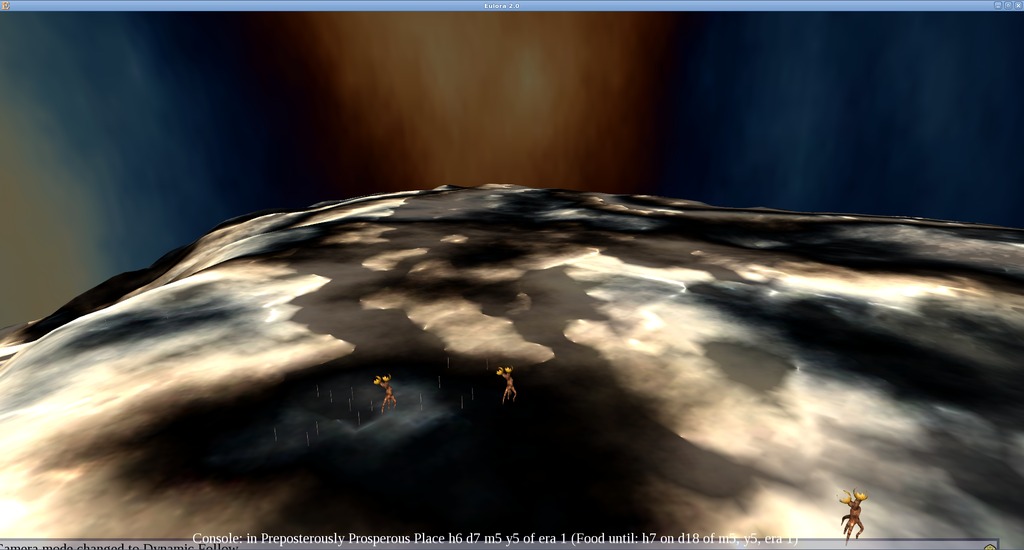
Hidden capabilities of quite elevated vision were suddenly uncovered in Eulora 2 - all it took was a player asking for it and otherwise, as usual, someone actually doing the work and making it available too. Codewise the changes needed were quite small indeed 2 and one might wonder perhaps what *else* is actually available for players willing to put in the work to learn and change their own client for their own benefit...
Bigger Display On-Demand
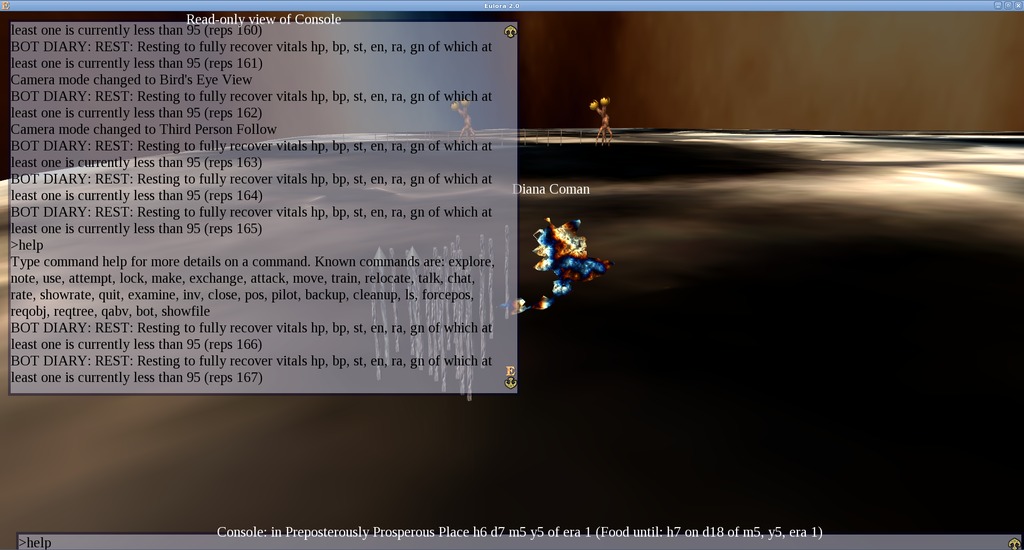
As CLI 3 is increasingly useful, players noted in chat that they'd much rather have some way to enlarge the default Console view so that they can get to see more lines at the same screen. So after a bit of discussion and consideration of available options, the solution was chosen, implemented and promptly delivered, with the concrete result that there is now a much larger Console as well, shown or hidden on demand:
What's Next?
More fun, more leisurely activity of the meaningful kind, hence more joy, what else? Possibly also more public access to it all, it's in the cards, too.
- That are now also neatly calculated and made visible by the current client that got finally bright enough to use the data it has on this matter.[↩]
- Yes, there is always the unavoidable fact that one requires knowledge to be able to make such changes - and the better knowledge one has, the easier such changes may even be, perhaps. And who has the time or who wants to take the "risk" of spending their time in gaining knowledge of some particular environment, anymore, when there are tons around, right? Note perhaps that the tons are always changing and rarely lasting more than the latest fashion, while this particular environment has already been around uninterruptedly and quite resiliently for years and through lots thrown at it. Maybe look a bit closer if you need to, read a bit more around, talk with the people involved and then consider carefully what you get back from running all the time after the latest thing and what you could get back from getting involved with something that lasts. Your choice entirely.[↩]
- Command-Line Interface or more simply put typing instead of clicking, writing instead of pointing, having more options instead of fewer etc.[↩]
Comments feed: RSS 2.0